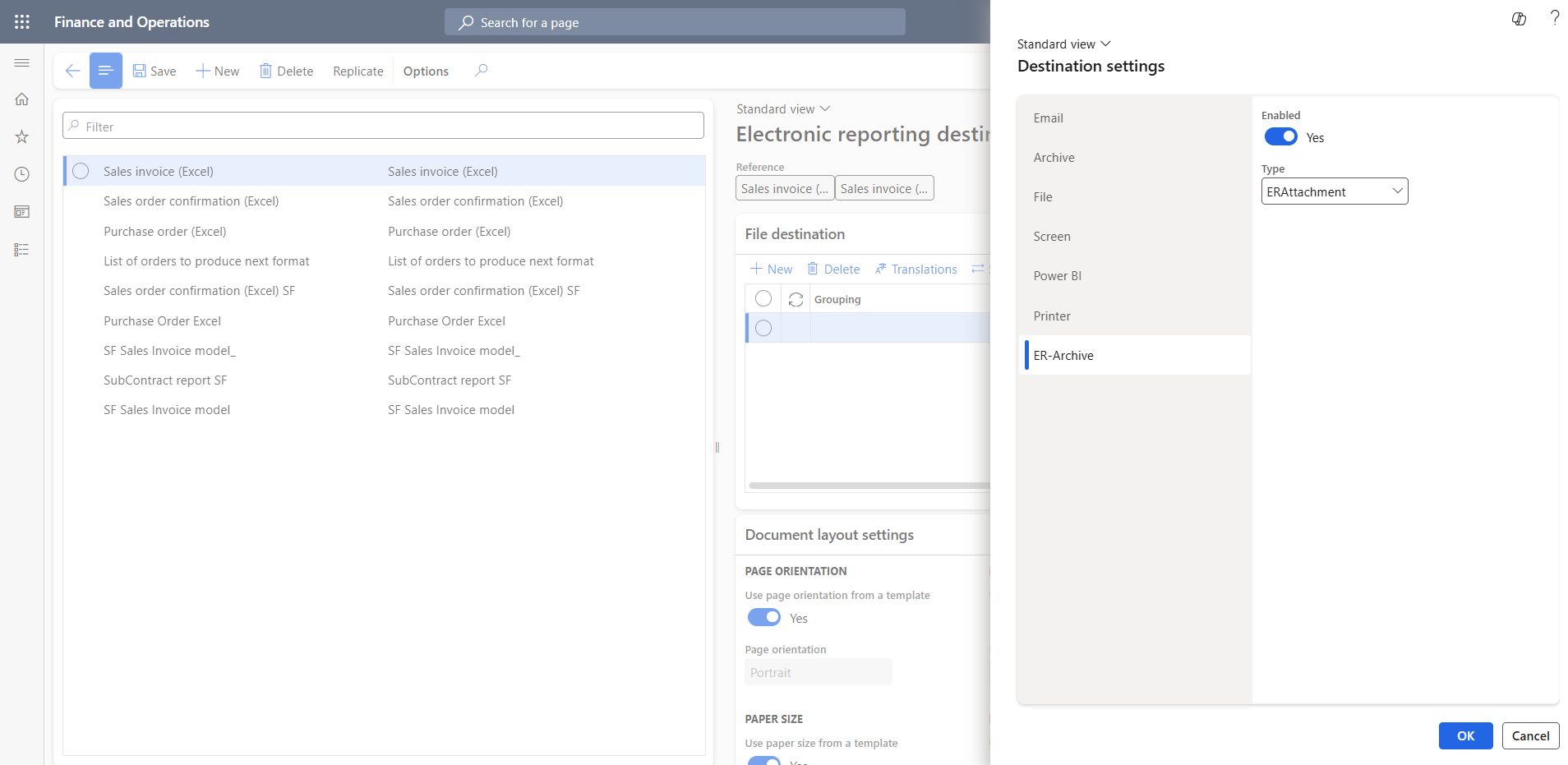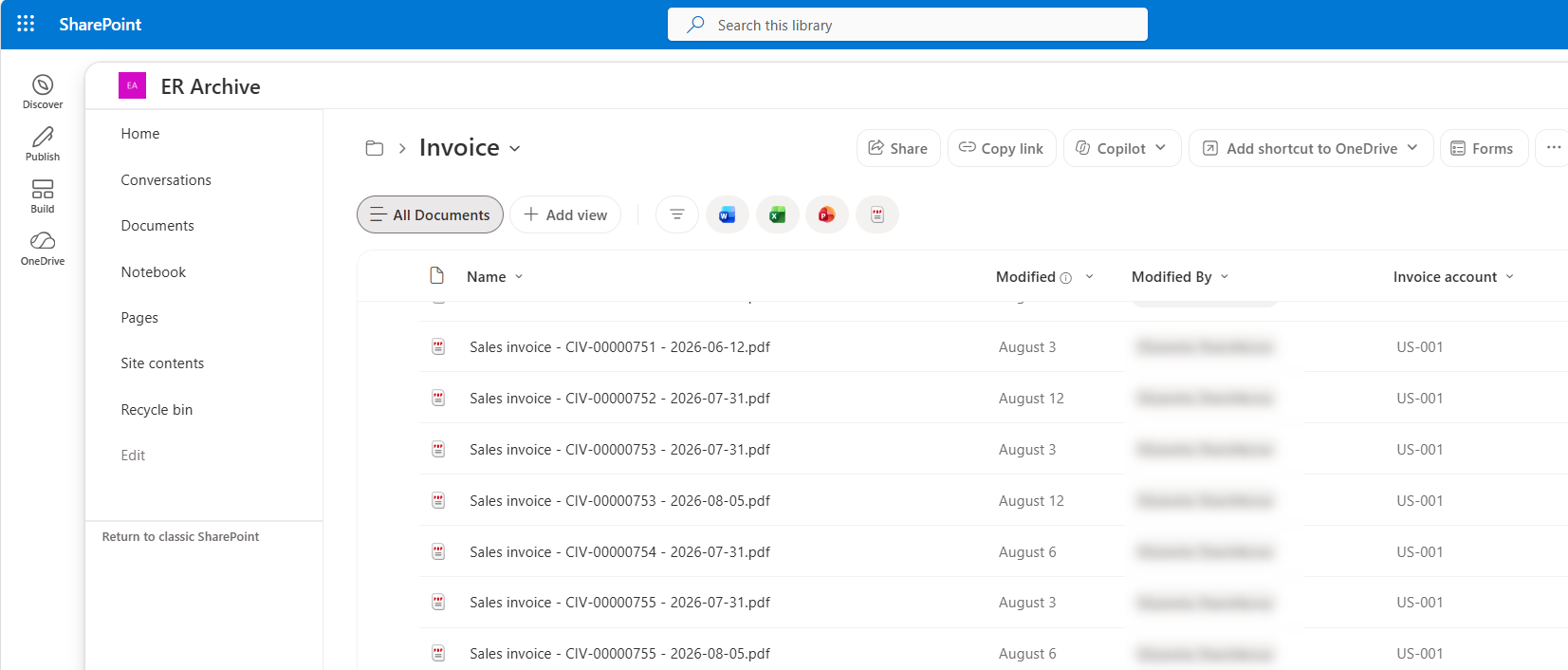

key features
Everything you need for automated document archiving
Document archiving extension for Electronic Reporting in Microsoft Dynamics 365 Finance & Operations that automatically transfers generated business documents and metadata to Microsoft SharePoint for structured storage and easy access
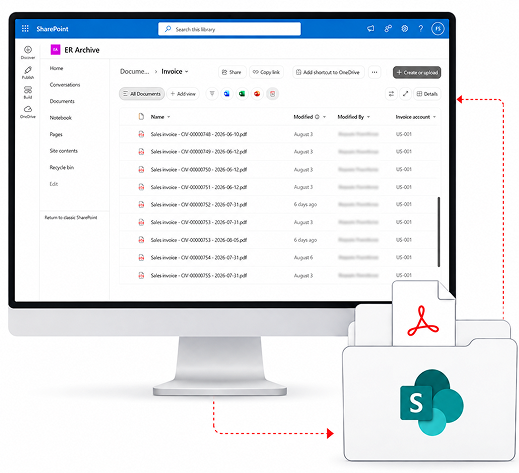
Everything you need for automated document archiving
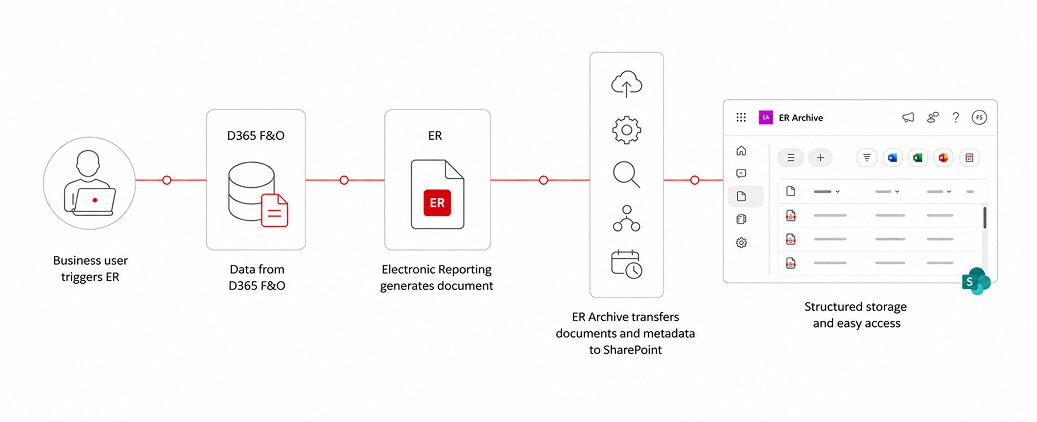

Archive documents directly from standard Electronic Reporting execution in D365 F&O

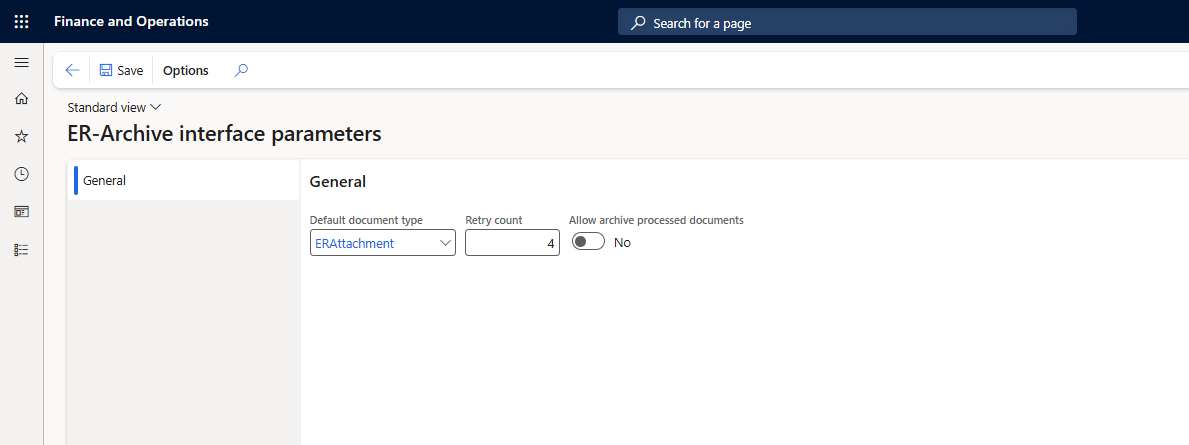
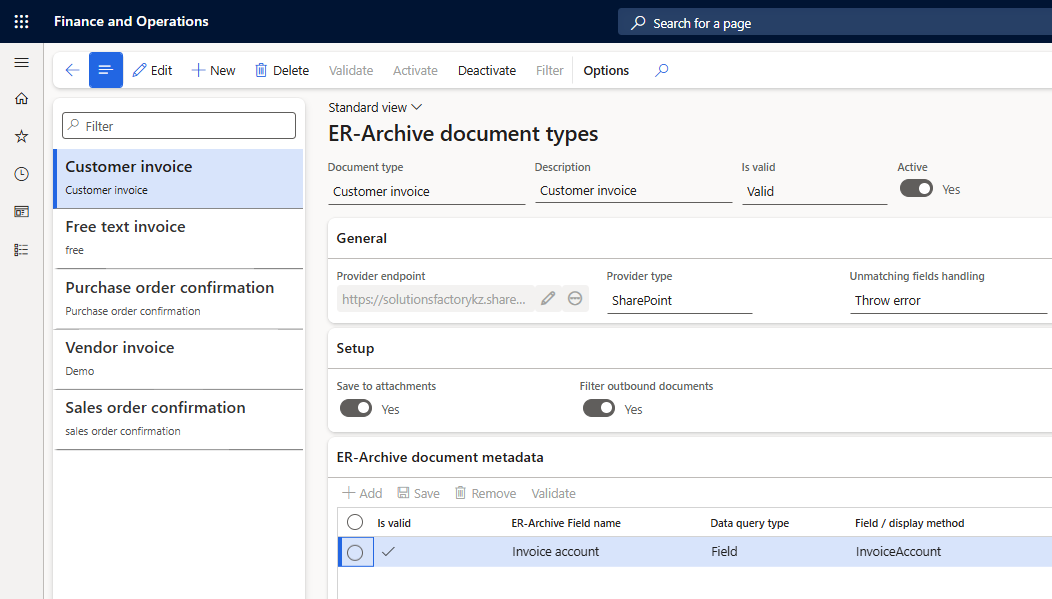
Configure archive locations and processing rules separately for each document type

Transfer D365 F&O fields and business data directly into SharePoint metadata columns

Process documents in batch and automatically retry failed uploads based on configurable rules

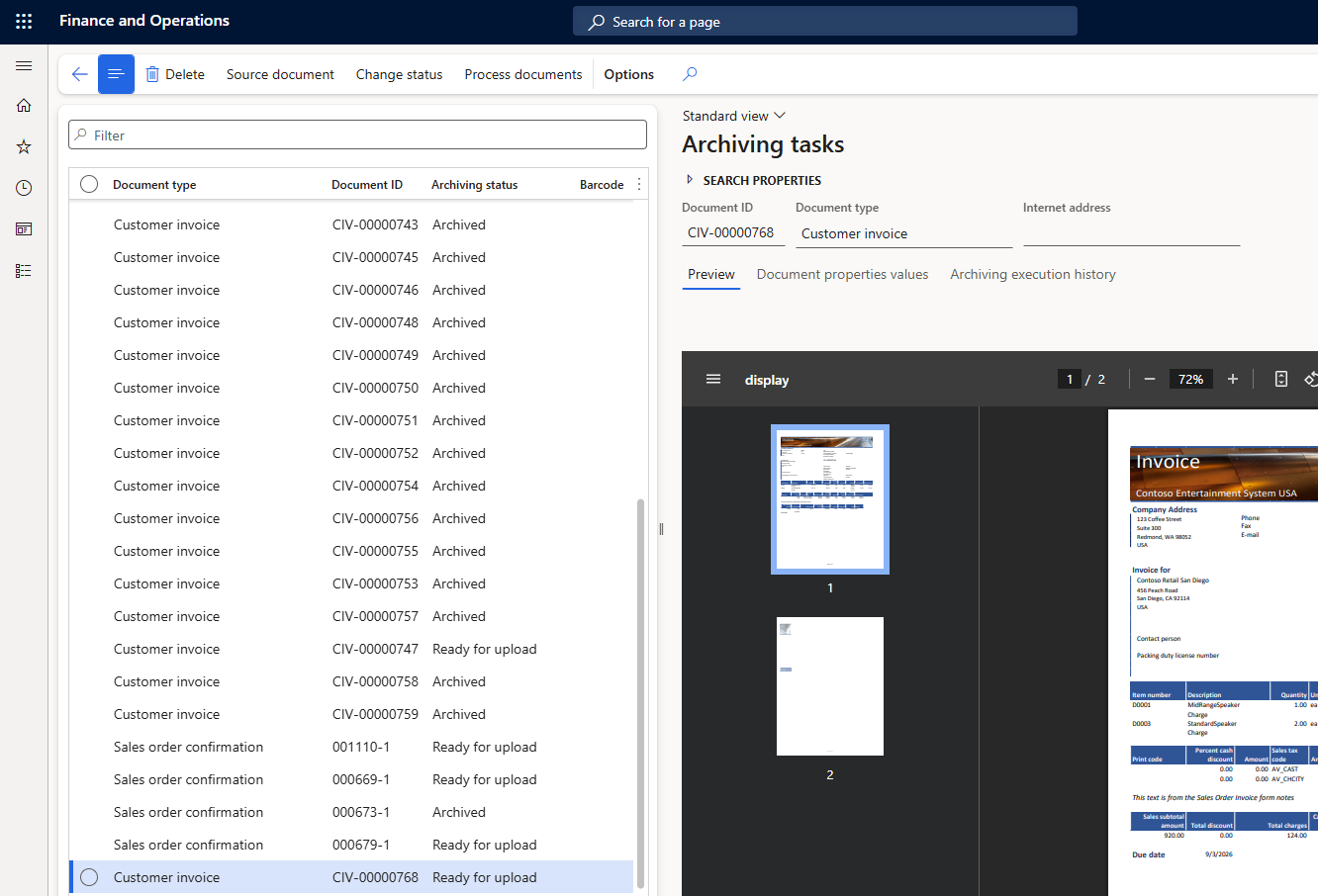
Search, preview, monitor, and reprocess documents from one Archiving tasks form in D365 F&O

Identify and archive previously generated documents using date ranges and configurable filters
More than just document storage
Reliable archiving
Store generated business documents outside the transactional ERP process
Better traceability
Transfer documents and business metadata to SharePoint, with centralized monitoring in D365 F&O
Simpler retention
Separate ERP document generation from long-term storage in Microsoft 365 while keeping both processes connected
Practical use cases across key business areas

Business need
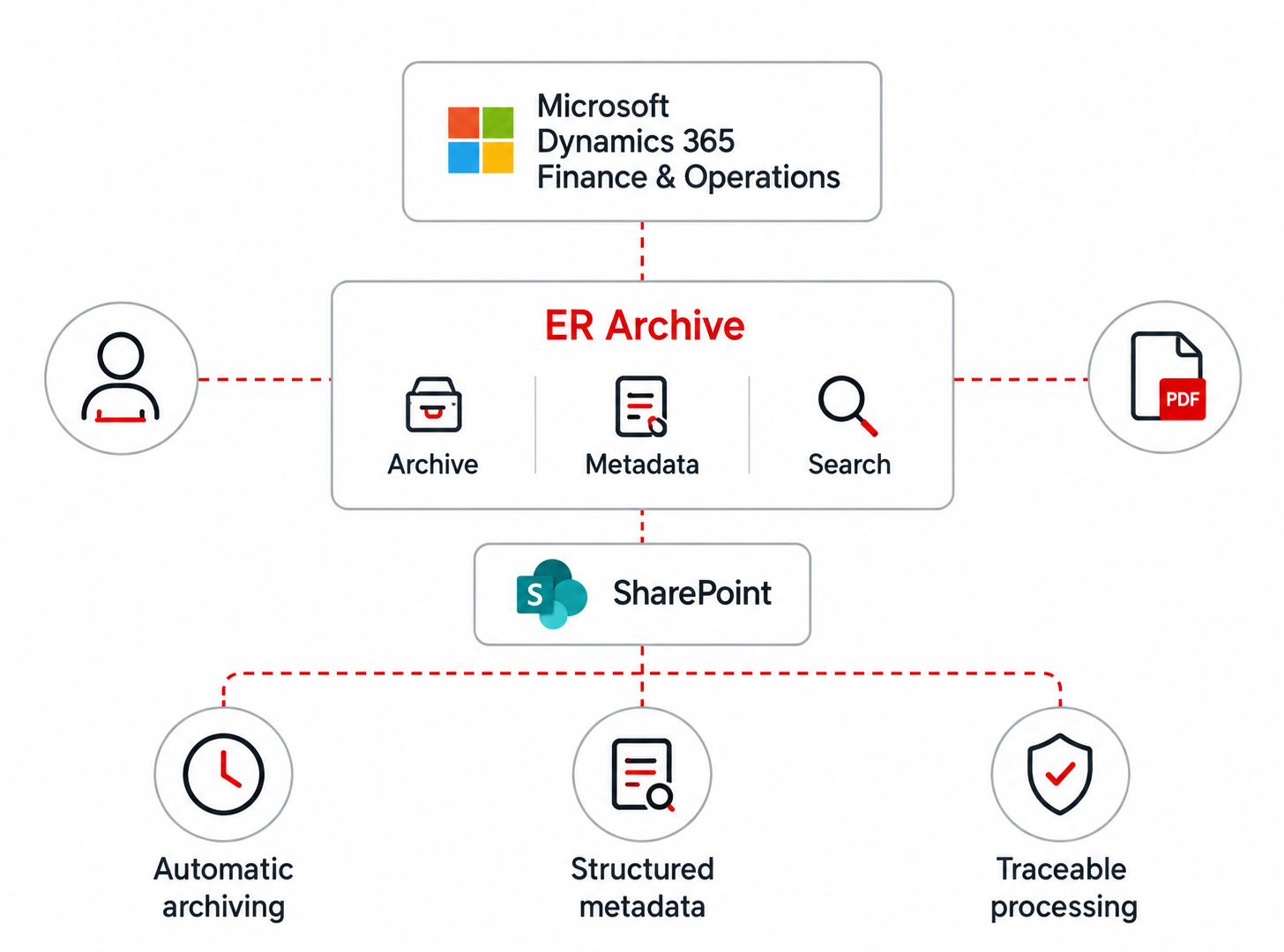
Finance teams need one place to find and review different types of financial documents without navigating through multiple D365 F&O forms
Solution
ER Archive brings archived invoices and other financial documents into the Archiving tasks workspace with filtering, metadata, status, and document preview
Result
Finance users can quickly find and review the required document directly in D365 F&O
Business need
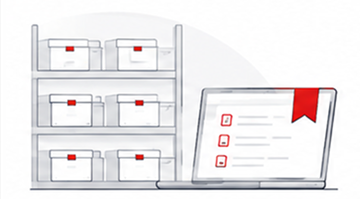
Procurement and AP teams need an easy way to find supplier documents by vendor, purchase order, date, or legal entity
Solution
ER Archive stores vendor invoices, purchase order confirmations, and product receipts in SharePoint together with configurable D365 F&O business metadata
Result
Teams get a structured and searchable supplier document library without manual document filing
Business need
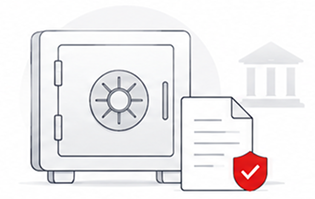
Organizations need to retain business documents outside the transactional ERP process and apply corporate or regulatory retention policies
Solution
ER Archive transfers documents and business metadata from D365 F&O to dedicated SharePoint libraries where Microsoft 365 retention and records-management policies can be applied
Result
A structured foundation for SharePoint- and Microsoft Purview-based document retention scenarios
Business need
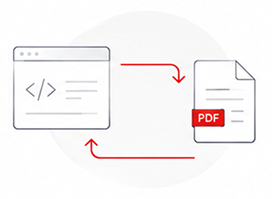
E-commerce platforms and other external systems need access to invoices and delivery documents already generated in D365 F&O
Solution
ER Archive makes the generated document available from the archiving task attachment or directly from SharePoint
Result
Integrations can reuse the original document instead of regenerating it for every external request
Electronic Reporting Archive currently supports the following document types: Customer invoice, Project invoice, Free text invoice, Purchase order confirmation, Vendor invoice, Product receipt, Sales order confirmation, Sales packing slip, Sales quotation, and Collection letter.
Yes. Custom reports can be archived if they are implemented using Electronic Reporting. Enabling each additional custom report requires a small X++ extension, typically estimated at around 4 hours per report.
The solution keeps track of unsuccessful uploads and supports configurable automatic retries. Users can also review the error and reprocess an individual document manually once the underlying issue has been resolved.
The license is tenant-based. One license covers all production and non-production D365 F&O environments, all legal entities, and an unlimited number of users within the licensed tenant. A separate license is required only for an additional D365 F&O tenant.

Tell us about your needs, and we’ll connect you
with the right expert or solution
We will get back to you soon.