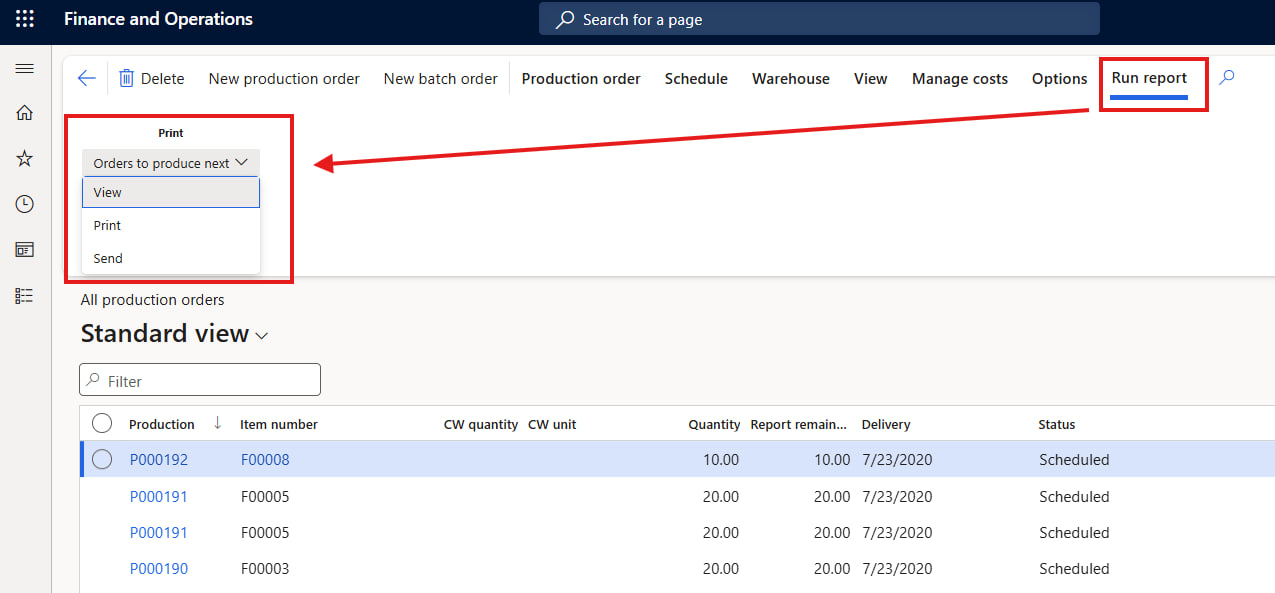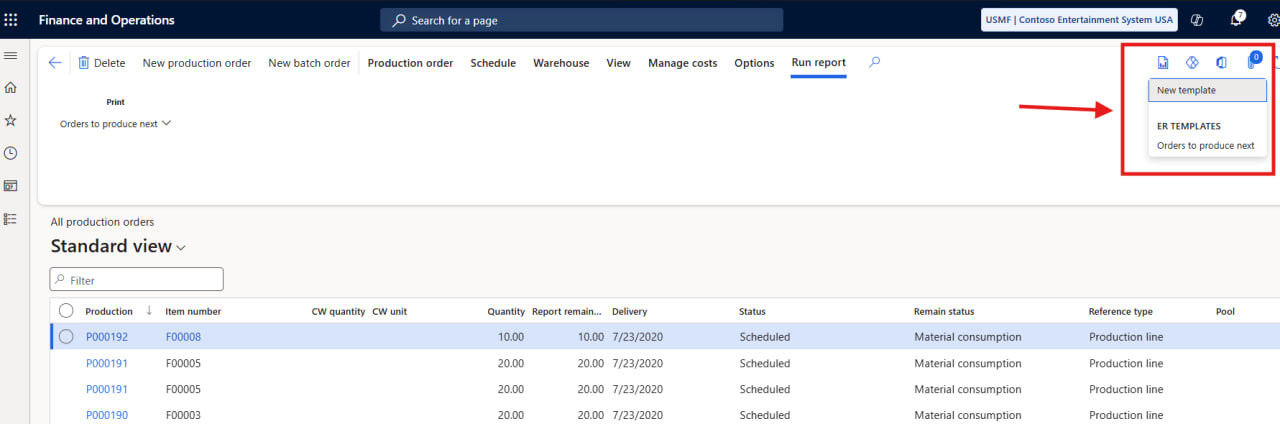

key features
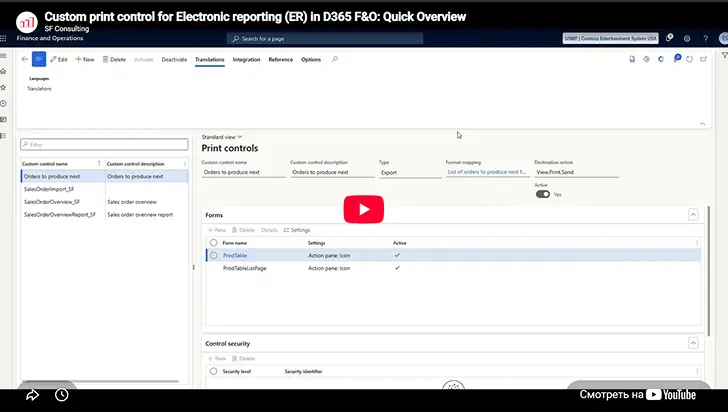
Everything you need to run ER from any form in D365 F&O
Lightweight extension for Electronic Reporting in Microsoft Dynamics 365 Finance & Operations that brings the right ER actions directly into users’ business processes — without additional custom development
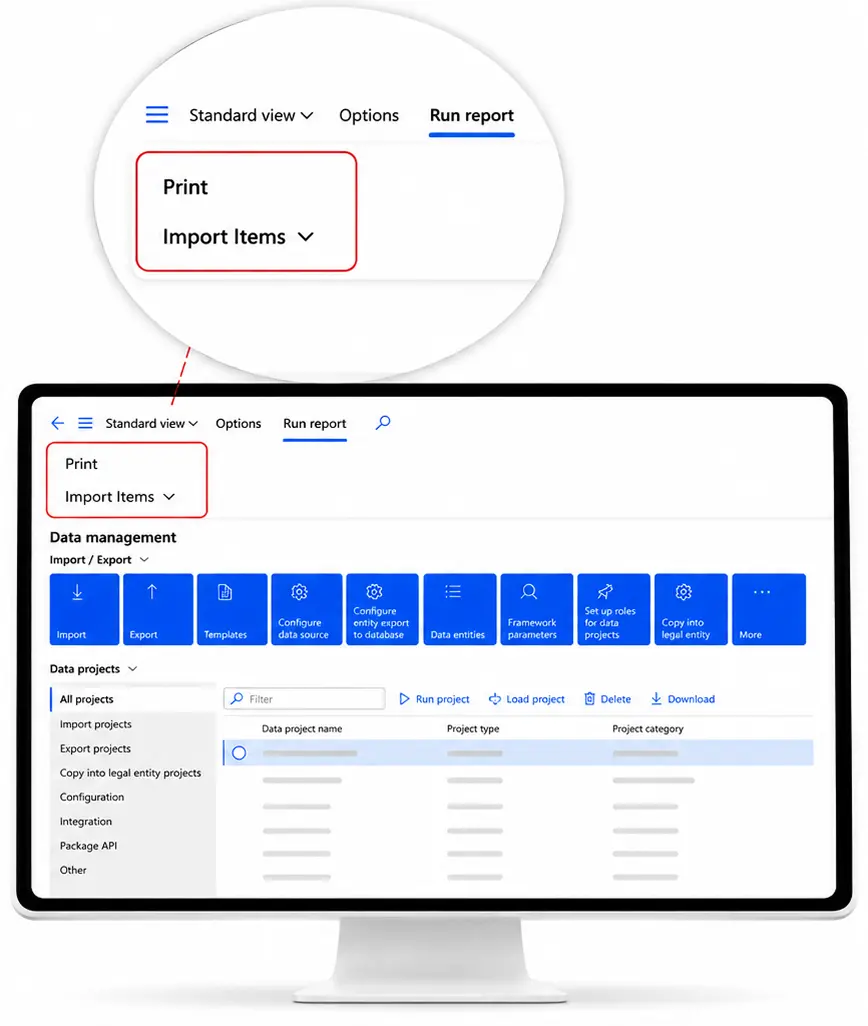
Everything you need to run ER from any form in D365 F&O
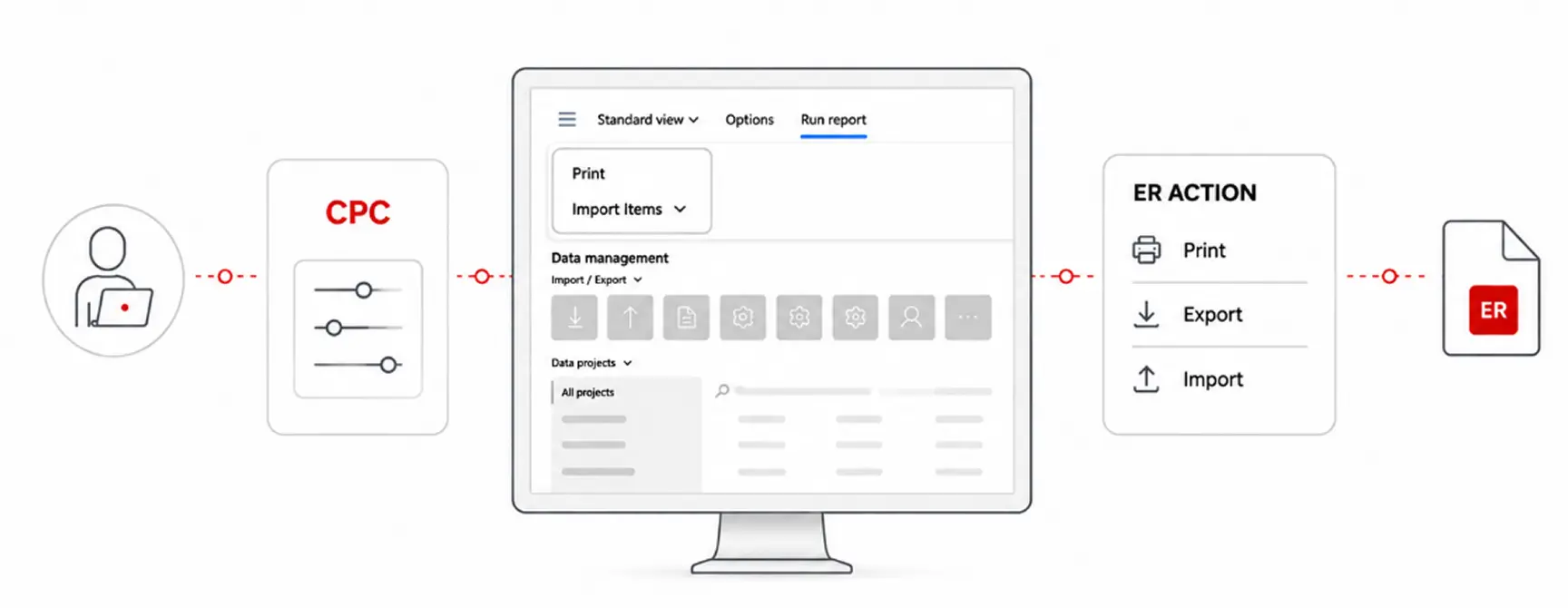
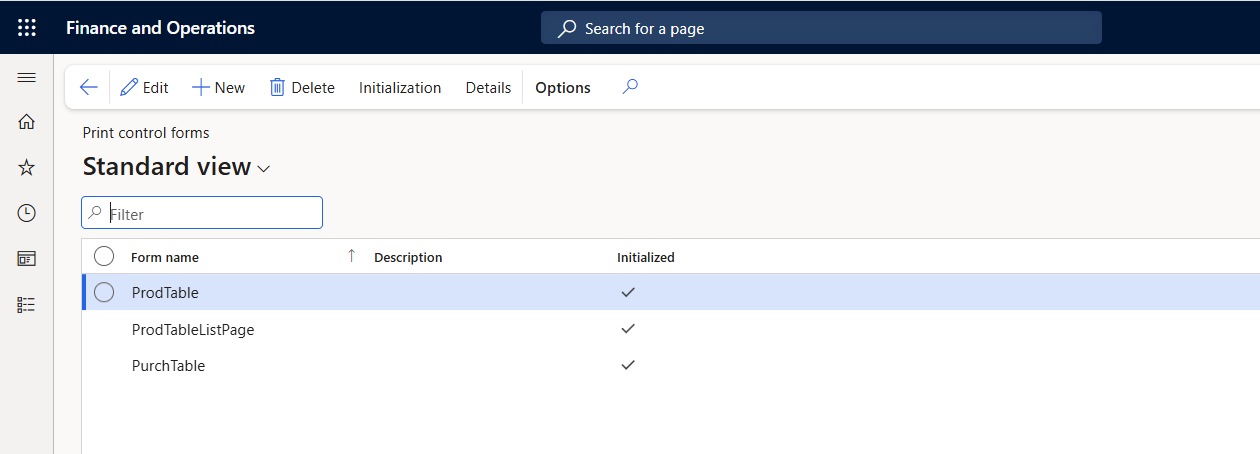
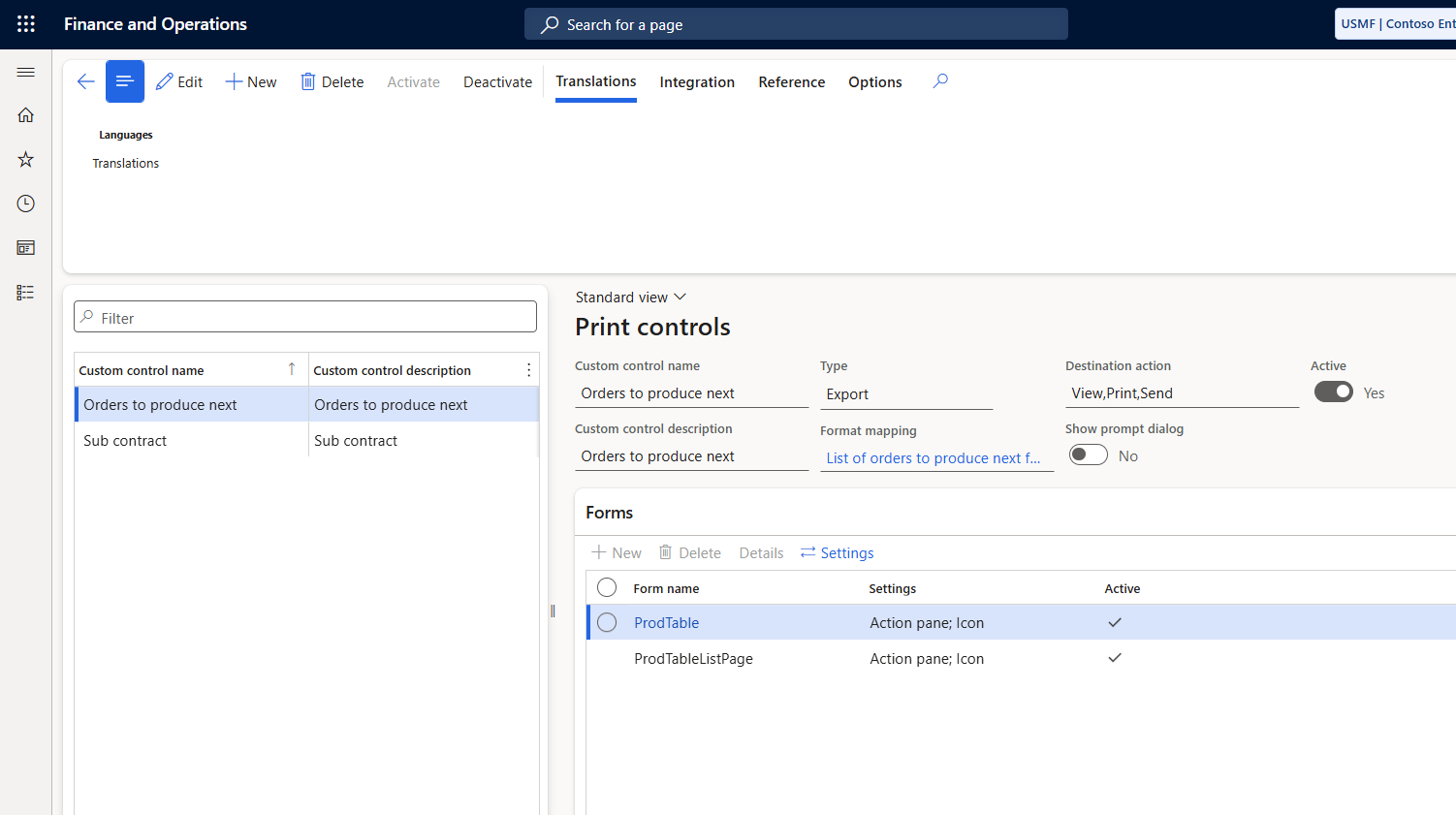
Add new ER actions through configuration No X++ development required
Place ER buttons directly on the D365 F&O forms where users need them

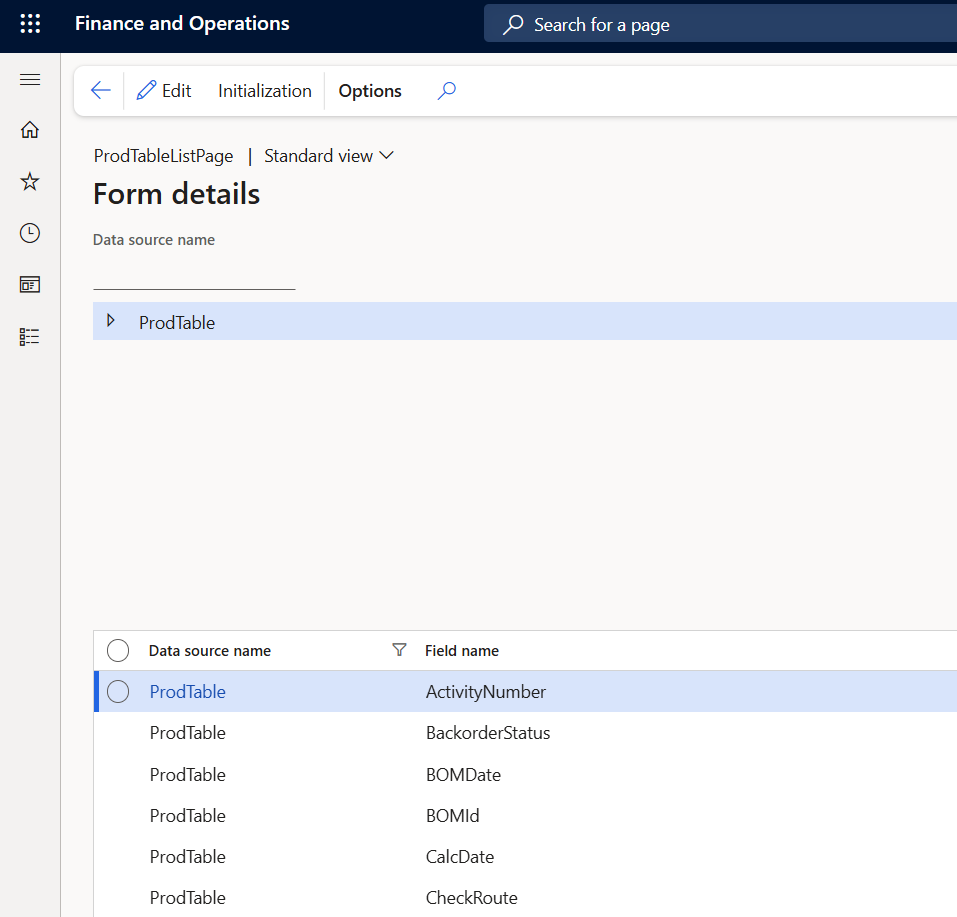
Pass the selected business record and required parameters automatically to ER

Control button availability using D365 F&O security roles and permissions
Support viewing, printing, exporting, and importing through ER

Extend ER functionality without modifying standard D365 F&O application code
Configure more. Develop less.
Less development
Configure ER actions instead of developing form-specific customizations
More flexibility
Move ER actions to the forms where users need them, whenever requirements change
Easier maintenance
Stay closer to standard D365 F&O with less custom code
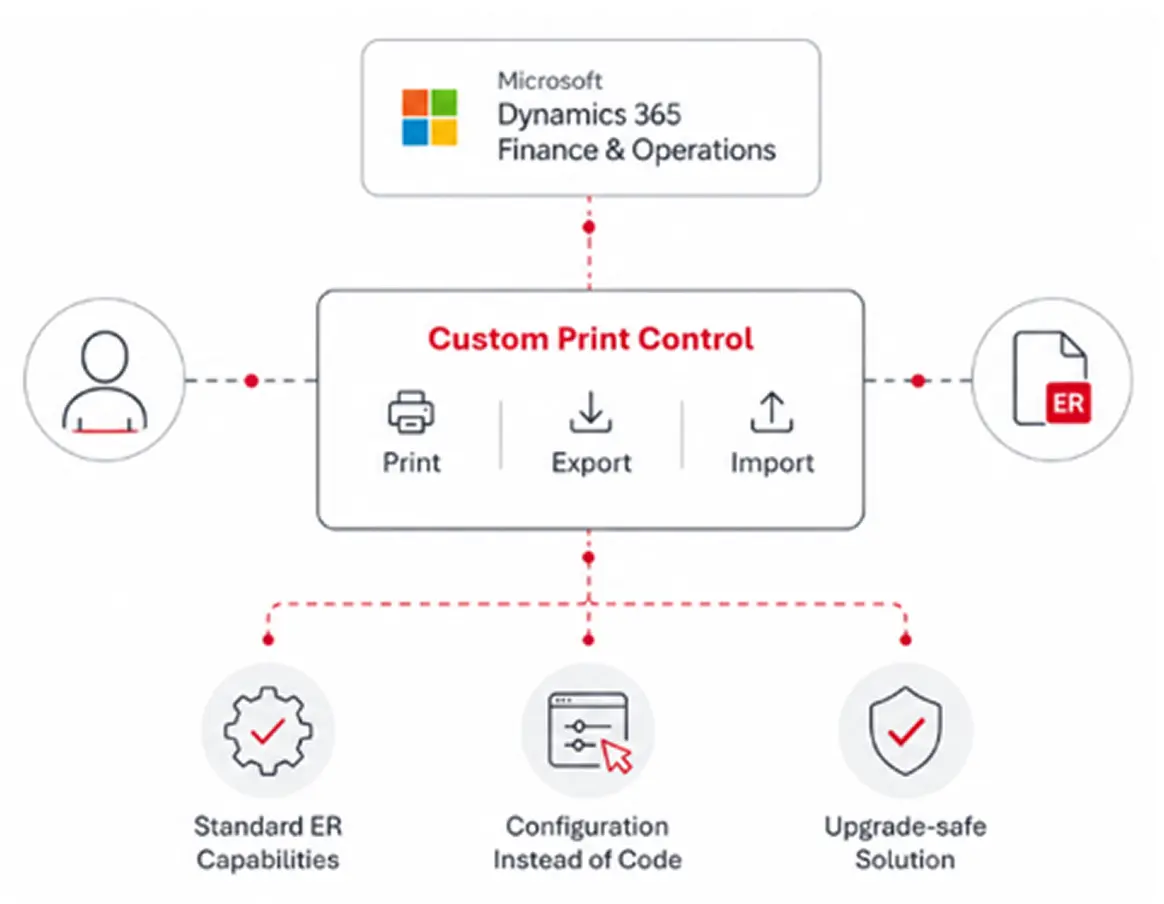
Everything you need to run ER from any D365 F&O form

Business need
Finance users need a custom reconciliation report with invoices, payments, credit notes, and open balances
Solution
The report is built in ER, while CPC adds ER actions to the Customers form and Customer payments workspace and automatically passes the required customer and report parameters
Result
No form development required; the solution is configured directly in the target environment
Business need
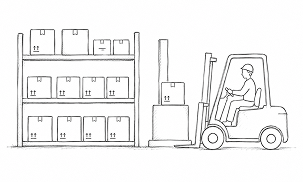
Warehouse users need to export current stock by item, location, batch, and quantity for inventory counting in an external WMS
Solution
CPC adds dedicated ER export buttons to the On-hand list, Locations, and Warehouses forms, passing the relevant warehouse, location, and inventory context to the ER configuration
Result
Inventory data can be prepared for the external WMS without custom form development
Business need
Buyers need a custom export of open purchase orders for a selected supplier and period
Solution
CPC adds ER export buttons to both Purchase orders and Vendors, passing the selected supplier, order, and filter parameters to the ER configuration
Result
The supplier export can be configured and deployed without custom form development
Yes. Existing ER formats and model mappings can be connected to CPC controls without rebuilding the reporting logic.
A single custom button may require around 4 hours of development, plus testing, deployment, and release activities, bringing the total effort to 6–8 hours or more across developers and consultants. At typical project rates, even one small customization can cost €800+, while also requiring approval, release coordination, and potential maintenance after future D365 F&O updates. CPC replaces repeated form-specific development with reusable configuration, making each additional ER action significantly faster and easier to deliver.
Yes. Access can be controlled using standard D365 F&O roles or privileges, so the actions are available only to authorized users.
CPC configurations can be exported and imported between environments. Export and import can also be run through standard D365 F&O batch processing.

Tell us about your needs, and we’ll connect you
with the right expert or solution
We will get back to you soon.